For stores that have multiple employees that manage operations of your store we have created the function of sub-accounts for your convenience. These accounts can manage operation of your store but cannot change or see your payment information.
A sub-account has a separate email, phone number and Two Factor Authentication (2FA) setting from the main account. Note that while 2FA is currently required for main log-in accounts, at this time it is not required for sub-accounts. To learn more about Two Factor Authentication, click here .
How to create a sub-account
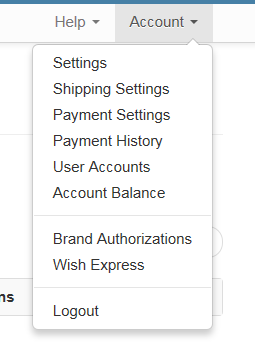
1. Go to the "User Accounts" page
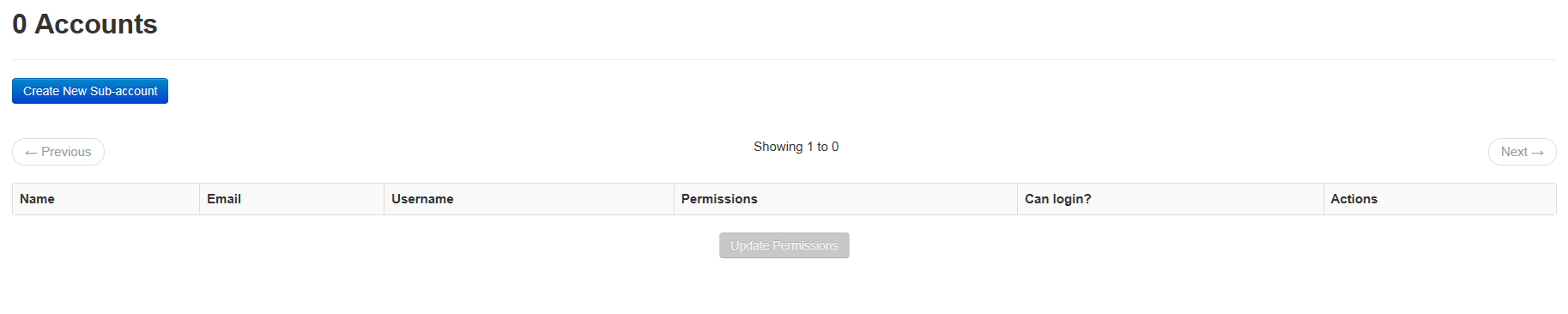
2. Click "Create a new sub-account" button
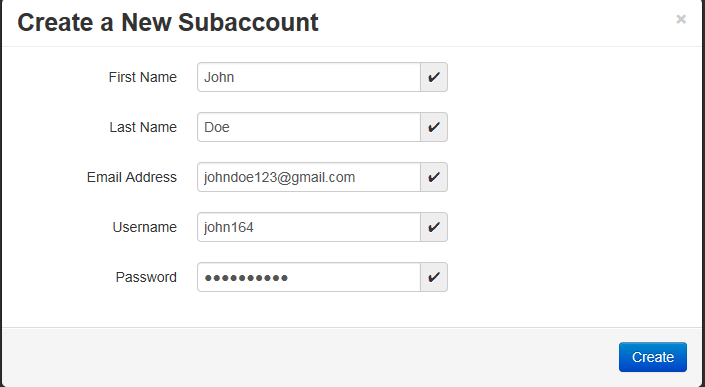
3. Provide a name, username, email and password for your user
4. You have now created a new account
This account will be able to log in to the system and perform operations on your store. This account cannot change payment details or see those details for your store.
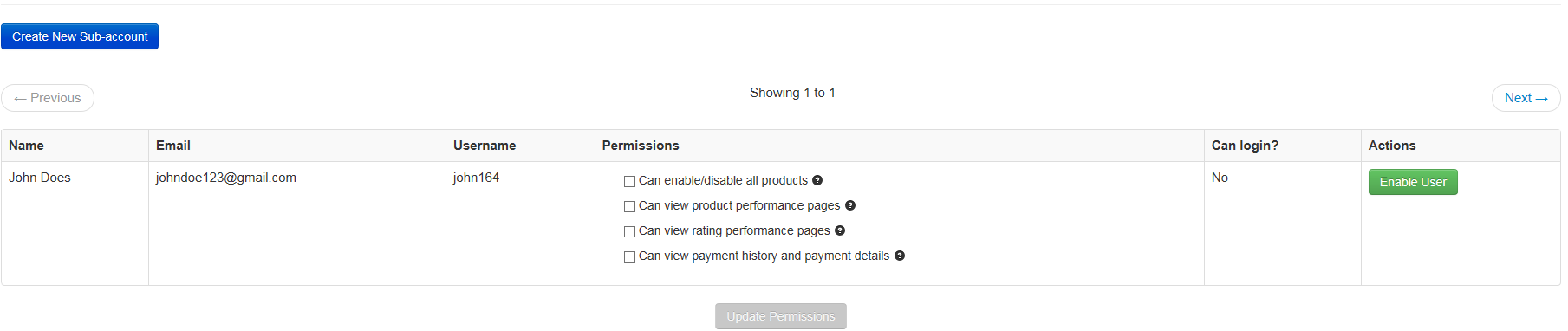
How to manage your sub-accounts
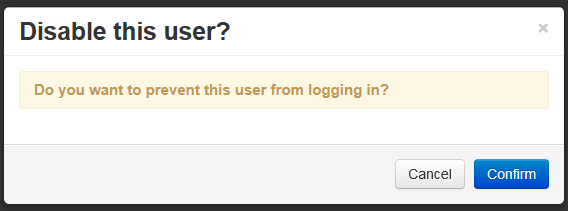
1. To prevent a user from being able to log in you need to "disable" the account.
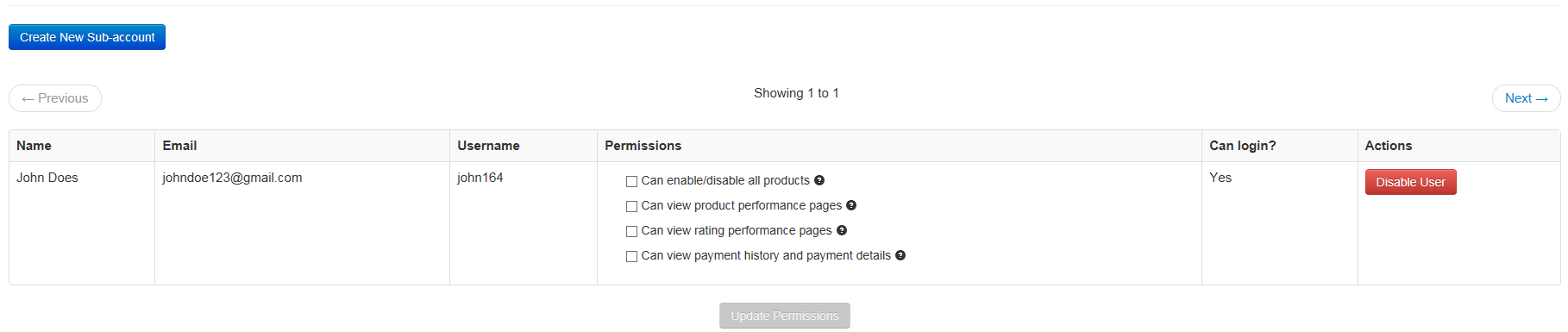
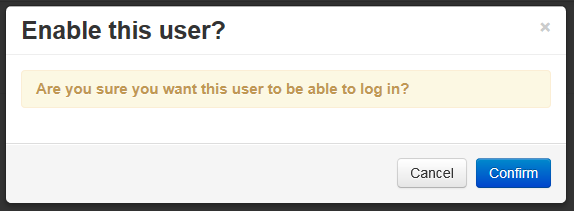
2. To allow a user to log in you need to "enable" the account
|



 Print Article
 Email Article to Friend
 Export to PDF